VSTi · Virtual instrument
Playing the air
like a theremin
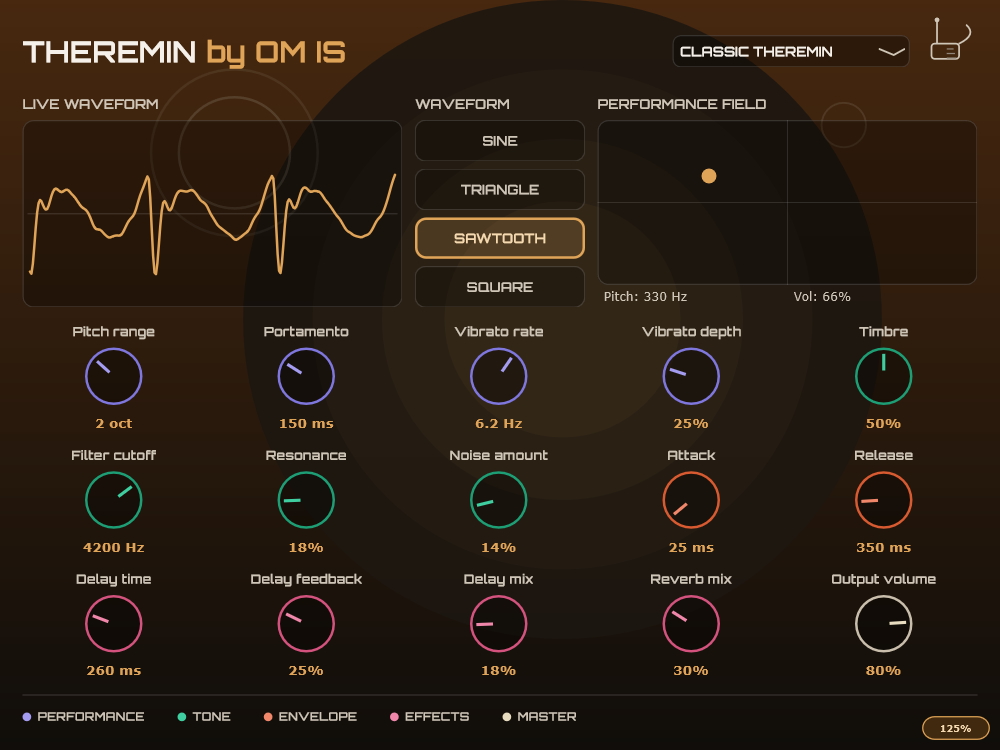
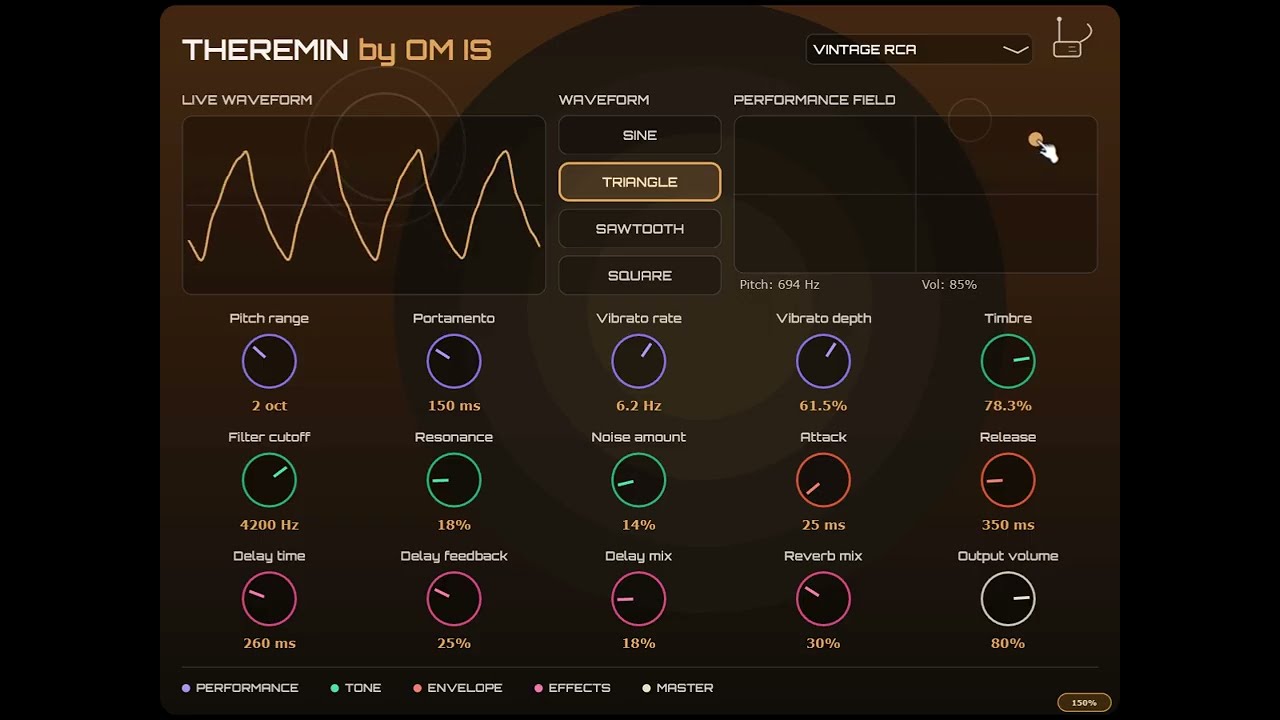
The new Plugin Theremin by OM IS, emulates the instrument you play without touching it: move the cursor across an on-screen performance field and control pitch and volume just like the two antennas of a real theremin — with a full layer of modern modulation on top.
VST3 Format
Windows / macOS
Oscilloscope
15 Controls
Vectorial GUI
4 Waveforms
Resizable 200%
8 Presets
 Click to enlarge
The original gesture
Theremin An instrument played without touching it
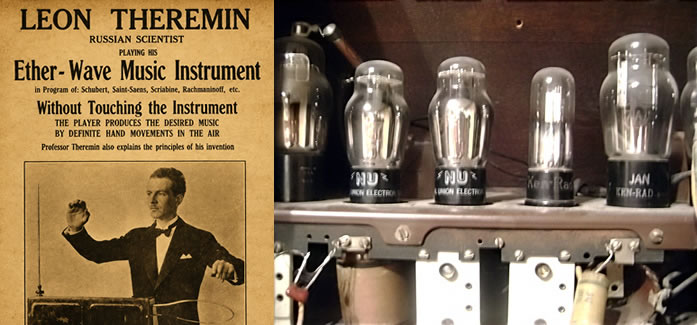
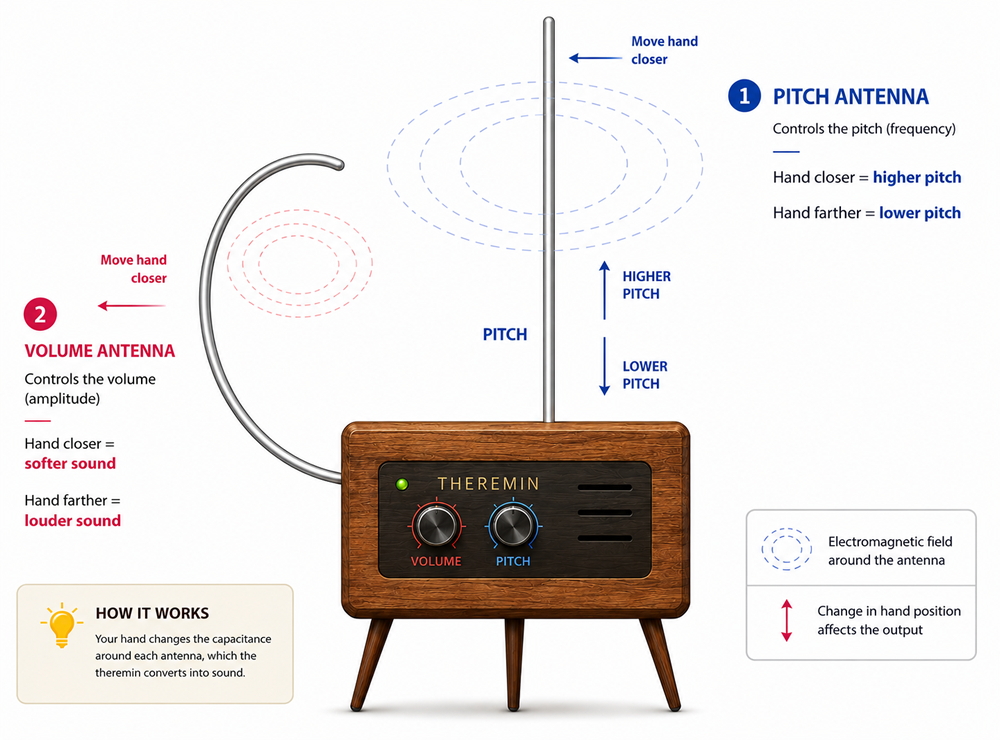
Original theremin is controlled by two metal antennas that respond to the distance of the player's hands, with no physical contact at all. Here's how that relationship between gesture and sound works and how the plugin reinterprets it.
 Click to enlarge
Our Theremin is a virtual instrument that emulates the sound and playing gesture of a classic theremin. Instead of two physical antennas, the plugin gives you an on-screen performance field: moving across it changes pitch (horizontal axis) and volume (vertical axis), just like moving your hands near a real theremin's antennas. On top of that core gesture, the plugin adds a full modulation section - vibrato, timbre shaping, a resonant filter, a noise layer for analog character, an amplitude envelope, delay, and reverb - so you can shape anything from a faithful vintage tone to modern pads and sci-fi leads.
You can play two ways, and both work at the same time: With the mouse - click and hold inside the performance field. While the mouse button is down, the plugin produces sound: dragging left/right bends the pitch across the octave range set by the Pitch range knob, and dragging up/down changes the volume. Releasing the mouse fades the note out using the Release time. With a MIDI keyboard or controller - regular MIDI notes are also fully supported. Note number sets the pitch, the pitch-bend wheel bends it further, and the mod wheel controls volume. MIDI input takes priority over the performance field while a note is held.
100 years without touching it
Short history of the theremin
From a lab accident in Soviet Russia to the soundtrack of science fiction — the journey of the first truly electronic instrument.
1920.
An accidental discovery
Russian physicist Lev Termen (known in the West as Léon Theremin) was researching proximity sensors at the Petrograd Physico-Technical Institute when he noticed that his hand, as it approached a radio circuit, changed the frequency of the tone it produced. The instrument was born from that observation.
1922.
A demonstration for Lenin
Termen showed his invention to Vladimir Lenin, who was so impressed that he took lessons to play it and commissioned hundreds of units for distribution across the Soviet Union, then sent Termen on a tour to showcase Soviet technology across Europe.
1930s.
Clara Rockmore, the great virtuoso
Violinist Clara Rockmore, Theremin's collaborator and partner, developed her own technique for playing it with an almost vocal precision, and became the instrument's most celebrated performer.
1950s.
The voice of science fiction
Its ethereal, slightly unstable timbre made it a favourite device of the era's cinema — the source of its lasting association with the alien, the psychological and the supernatural.
1954.
A young Robert Moog
Before inventing the synthesizer that bears his name, a teenage Robert Moog was building theremins in his family's basement with his father — a direct link between this instrument and all the electronic synthesis that followed.
Today.
From antenna to VSTi
More than 100 years later, the theremin is still being built and played live — and its signature gesture, continuous touchless control, remains a source of inspiration for brand-new instruments, like this one.
Audio engine
Inside the plugin
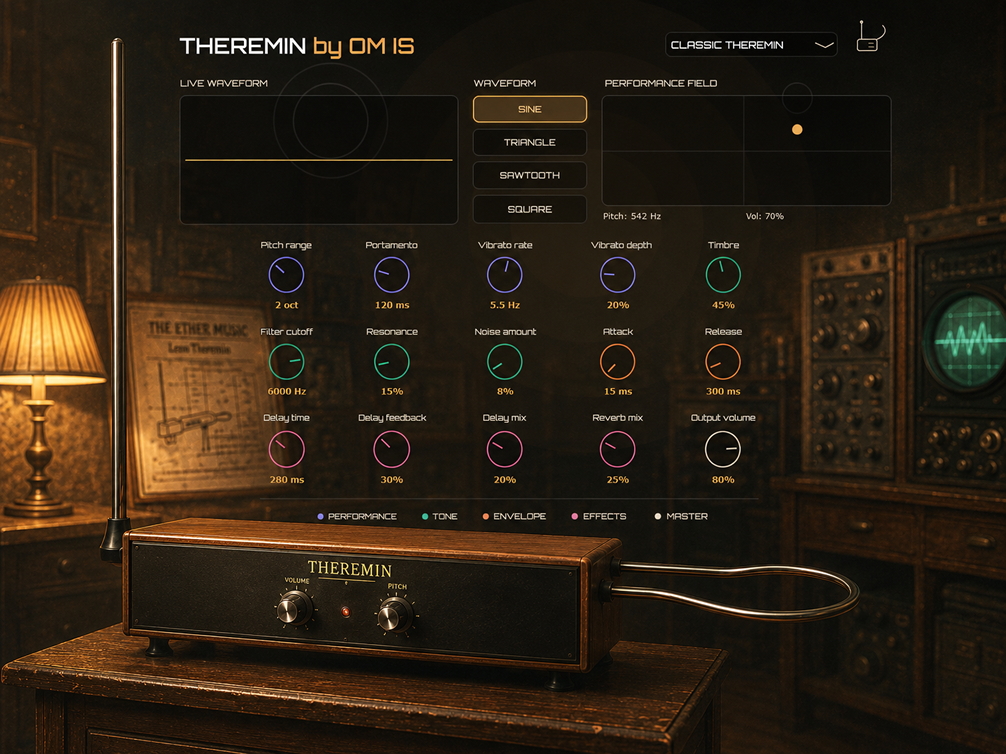
Every control category in the interface maps to a real stage in the audio chain. Here is how the signal travels, from gesture to output.
- Performance
- Tone
- Envelope
- Effects
- Master
 Click to enlarge
Amazing Emulation Of The Iconic Theremin
 Click to watch
See Theremin Virtual Instrument In Action
Spec sheet
Full specifications
All 15 controls on the panel, grouped exactly as they appear in the interface, plus formats, waveforms and presets.
16Controls
8Presets
4Waveforms
2Playing modes
Factory presets